Elevator emergency alerting
When the lift stops, silence shouldn’t.
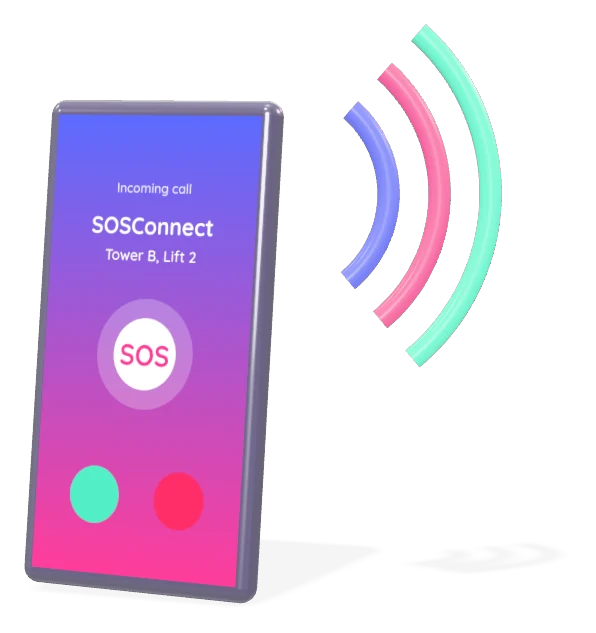
SOSConnect turns a lift’s SOS button into an identified alert that reaches your contacts by SMS and voice call, and records who acknowledged.
- SMS
- Voice call
- Acknowledgement
- History & reports
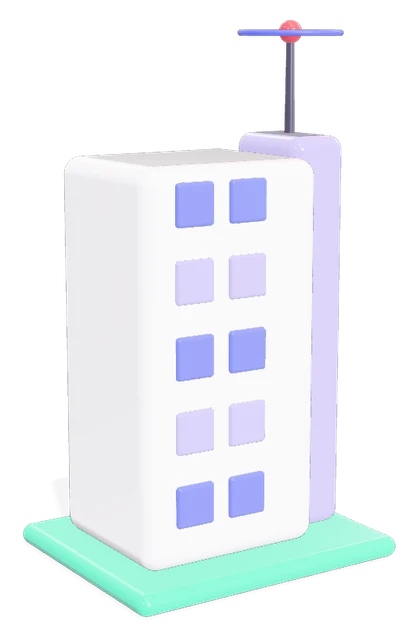



Press. A rider presses SOS in the lift car.
Animation, four steps: one, the rider presses SOS in the lift car; two, contacts get an SMS and a voice call naming the lift; three, a contact takes the alert; four, the response is logged.
01The gap
An emergency with no answer, and no record.
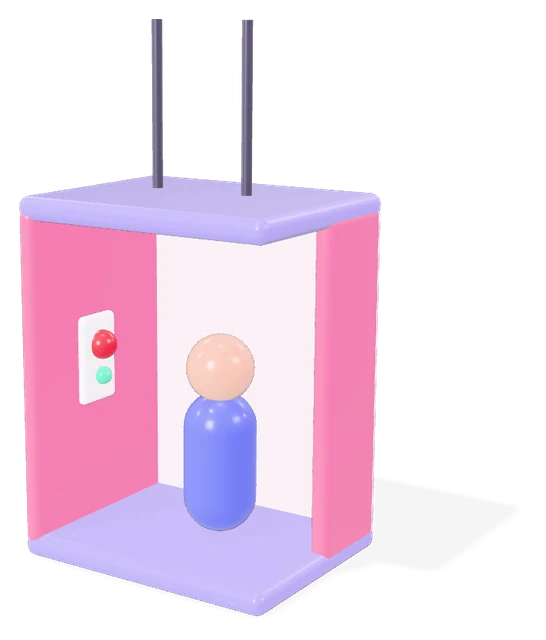
Riders can't tell whether anyone knows.
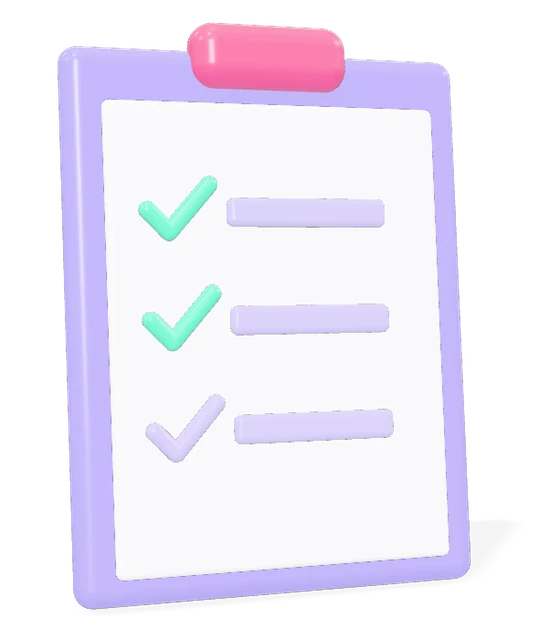
Nobody can show who was alerted, who responded, or how long it took.
02How it works
Four steps, press to record.
One press does all of it. Nobody has to make a call from inside the car.
- 01
Press
Rider presses SOS in the lift.
- 02
Alert
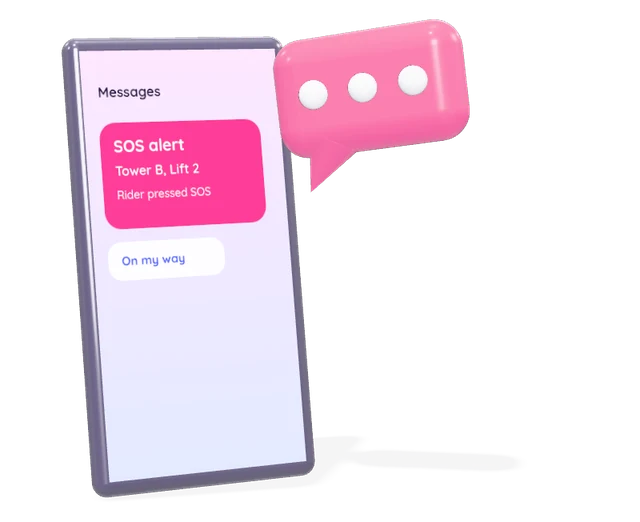
Contacts get SMS and a voice call.
- 03
Respond
Someone takes the alert.
- 04
Acknowledge
Response is logged.
03What you get
The right people reached, and proof it happened.
Knows which lift
Every alert names the lift.
Reaches the right people
Several contacts per lift.
Confirms a response
Acknowledgement recorded.
Keeps a record
History and reports.

Works alongside your lift's existing alarm or voice communicator. It doesn't replace it.
04Get started
Get SOSConnect for your building.
Ask your lift company
Share this page with them.

05The product
A unit in the car. A record in the app.
One button in the lift, tied to that lift’s name. Every alert and every acknowledgement on one screen.
Illustration: the SOS unit beside an alert history screen listing three lifts, two acknowledged and one still alerting.